Your writing, told back to you.
A writing tracker for writers who want to finish. Build weekly streaks, write alongside friends, and let your own data reveal what kind of writer you are. Start with a single session.
Free plan · no ads · built for any device
Beautiful visualisations for writers.
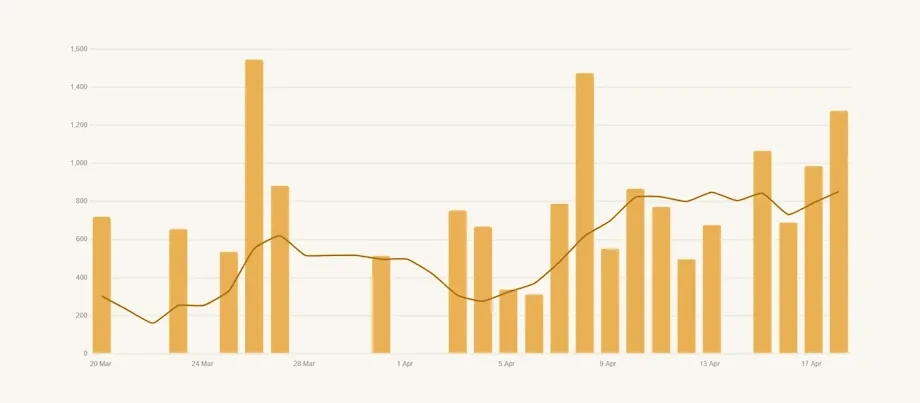
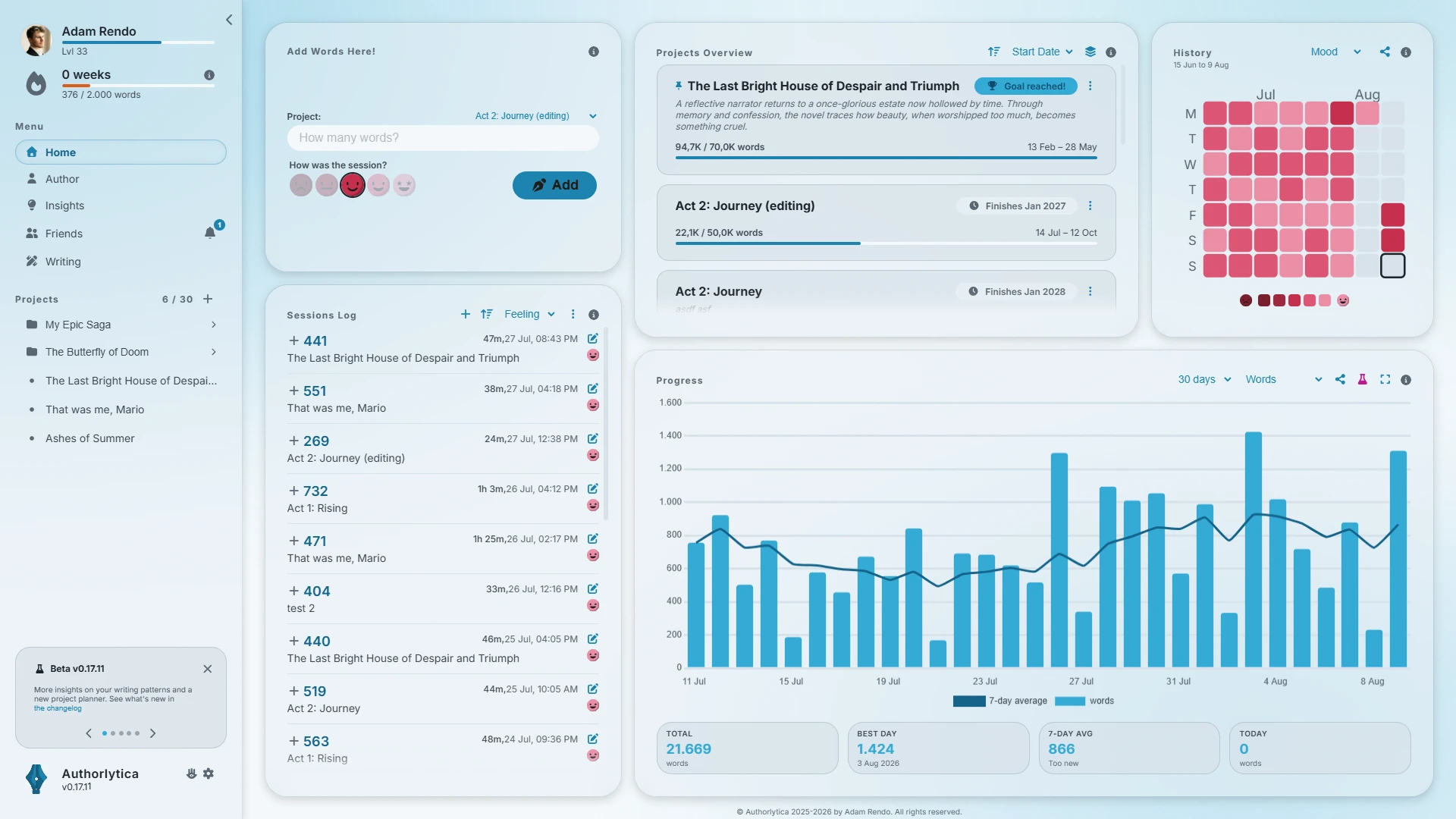
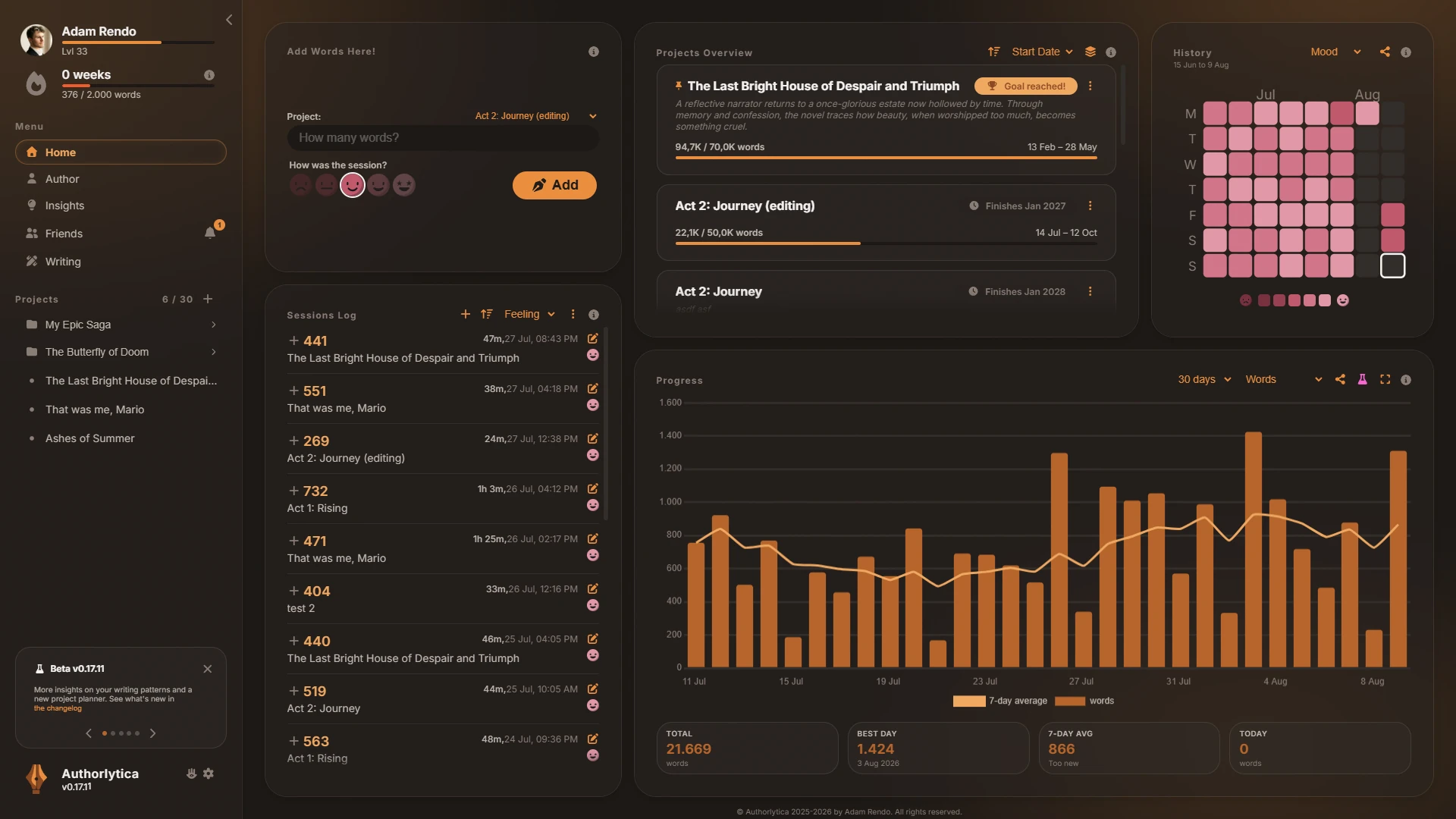
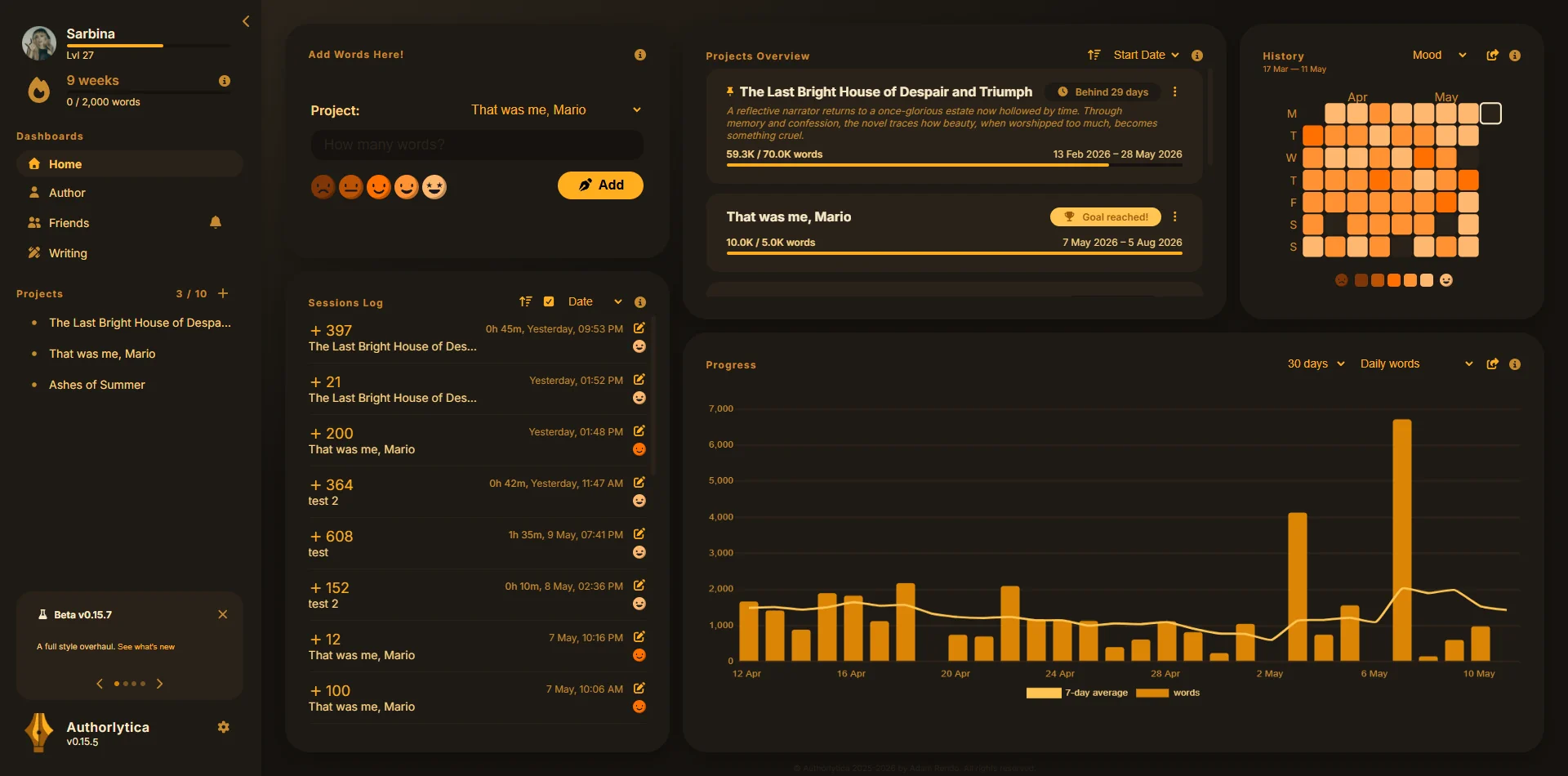
Don't just look at a single wordcount increasing; see charts and colors rise as you write, cheering you on to finish your project, and keep developing your writing habit, one word at a time.
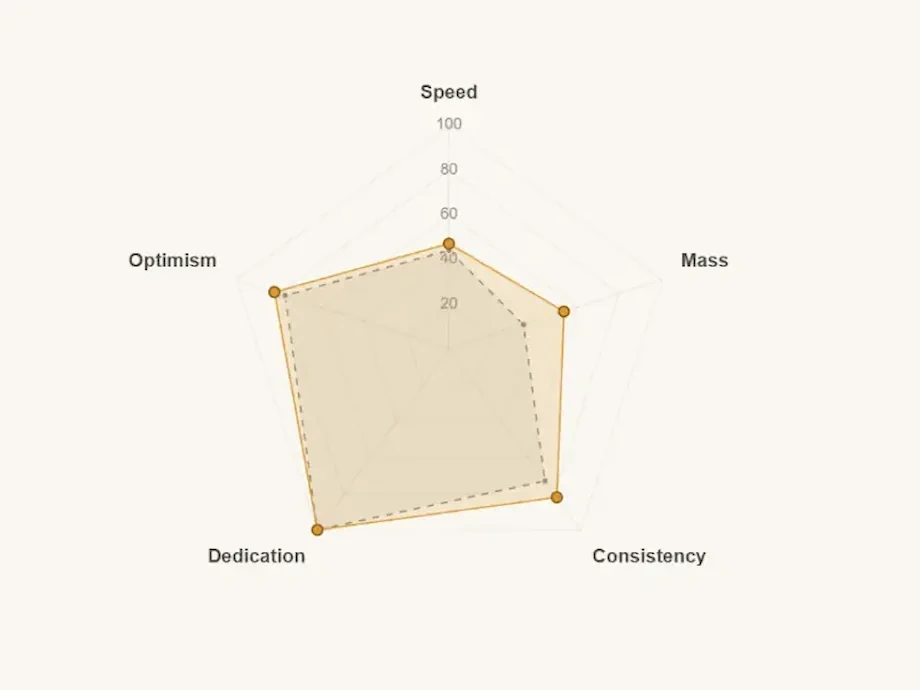
Writing patterns
Discover what kind of writer you are: which of the four houses your sessions put you in, and how that compares to what you believed.
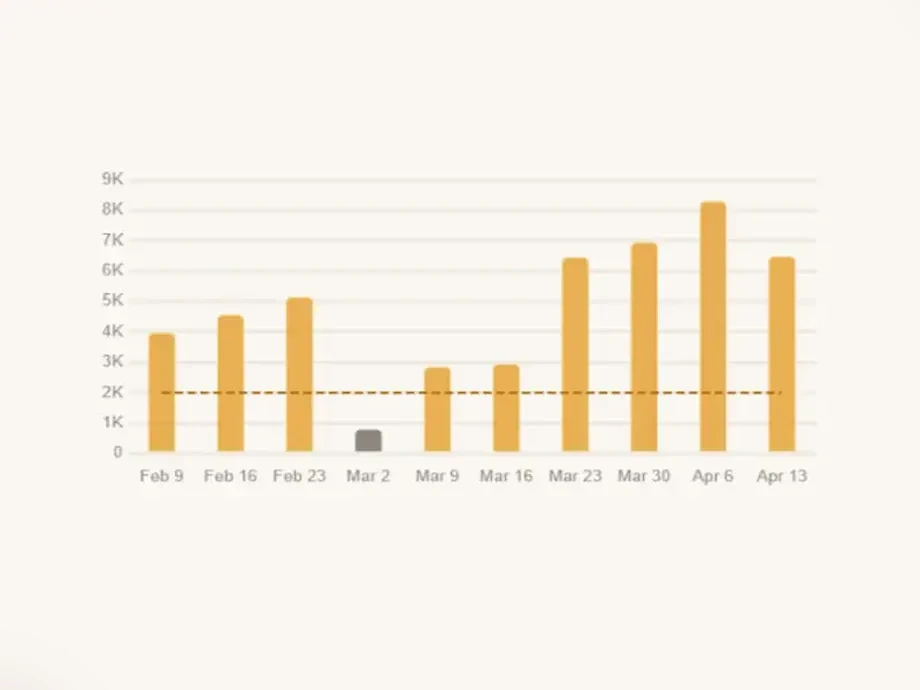
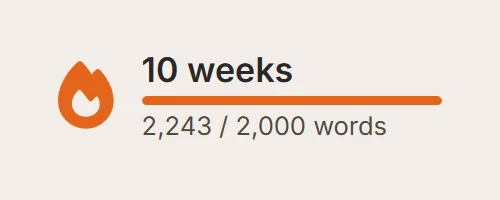
Weekly streaks
Writing is a marathon, not a sprint. Keep track of your consistent progress by putting in the words every week.
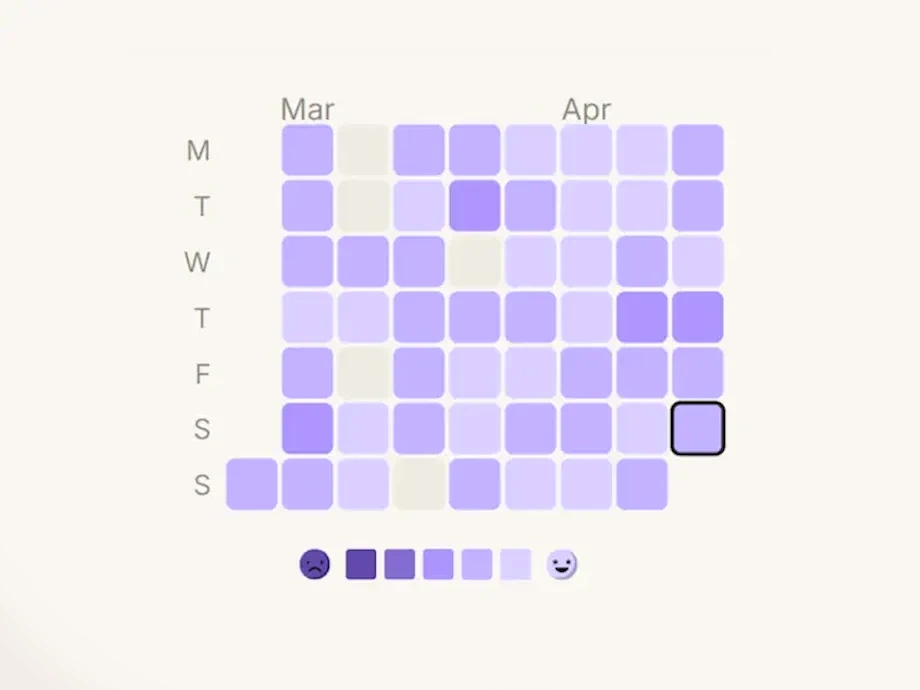
Build a history
Keep a proven track record of your writing, how long it took, and how you felt about it.
Authorlytica Rewind
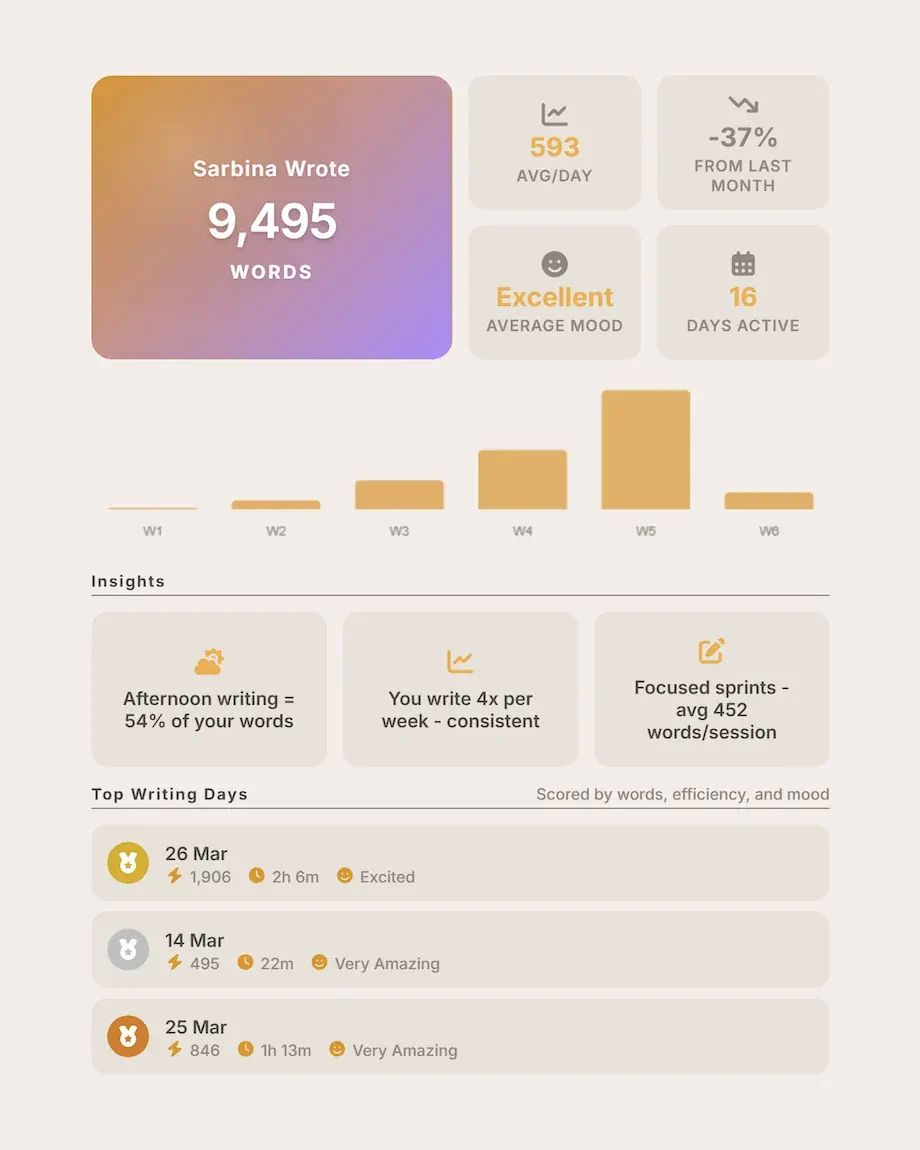
Look back on your writing progress in a single card.
Authorlytica packages all your writing sessions and hands them back to you in three neat packages: a quick weekly recap every Monday, a deeper monthly rewind at each month's end, and a full annual Rewind every December.
Weekly recap
Seven days in a glance: words logged, streak progress, and your mood through the week.
Monthly rewind
The shape of the month: with your best days and monthly progress graphed.
Annual Rewind
Every December: all the highlights, writer insights about your patterns and the productive months you forgot about.
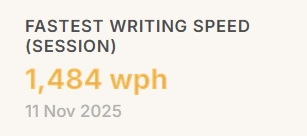
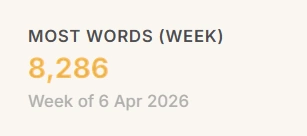
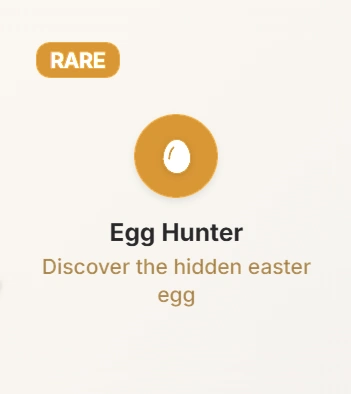
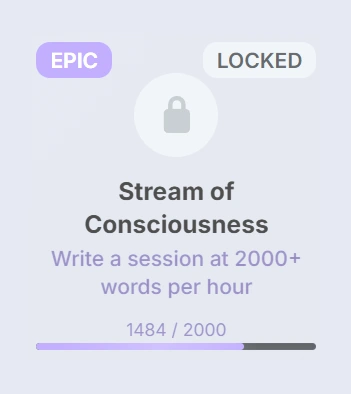
Earn badges as you go and strive to beat your personal bests.
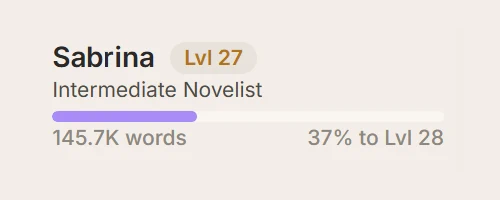
Authorlytica quietly keeps a running tally of your personal bests, then hands out achievement badges as the sessions, streaks, and finished chapters stack up. Open the app on a tough writing day and it reminds you how great of a writer you already are. The XP and badge system is grounded in published habit research: a 2024 peer-reviewed trial found calibrated rewards produce 26% more daily enactments than standard tracking.
If you've been tracking in a spreadsheet, this is the upgrade.
| Authorlytica | TrackBear | 4thewords | Spreadsheet | |
|---|---|---|---|---|
| Daily tracking | Yes | Yes | Yes | Yes |
| Multiple projects | 3 free · 30 premium | Unlimited | Yes | Yes |
| Streaks & XP | Yes | Streaks only | Quests | — |
| Writer analytics | Deep | Basic | — | DIY |
| Themes & personalization | 7 free · 12 premium | — | Avatar only | DIY |
| Social & Community | Yes | — | Community | — |
| Editing projects | Yes | — | — | DIY |
| Weekly, monthly & annual Rewinds | Yes | — | — | — |
| Export all your data | Yes, free | Yes | — | DIY |
Go deeper: vs 4thewords · vs Pacemaker · Notion Alternative for Writers · vs NaNoWriMo
Or browse the full blog library
Write with your friends
For Hemingway, writing meant sitting down at the typewriter and bleeding. Writing is solitary work, but it does not have to be lonely. Even the gritty Hemingway was part of a writers' network, the Lost Generation. He did not go at it alone, and you do not have to either.
With Authorlytica, you can add friends, cheer on each other's writing sessions, and see where you stand on a leaderboard among the people you actually know. One study found that writers who shared weekly progress with a friend completed 76% of their goals, compared to 43% who kept goals to themselves. Authorlytica builds that kind of accountability in, without making it feel competitive. You can always opt out for privacy.
Find your writing friends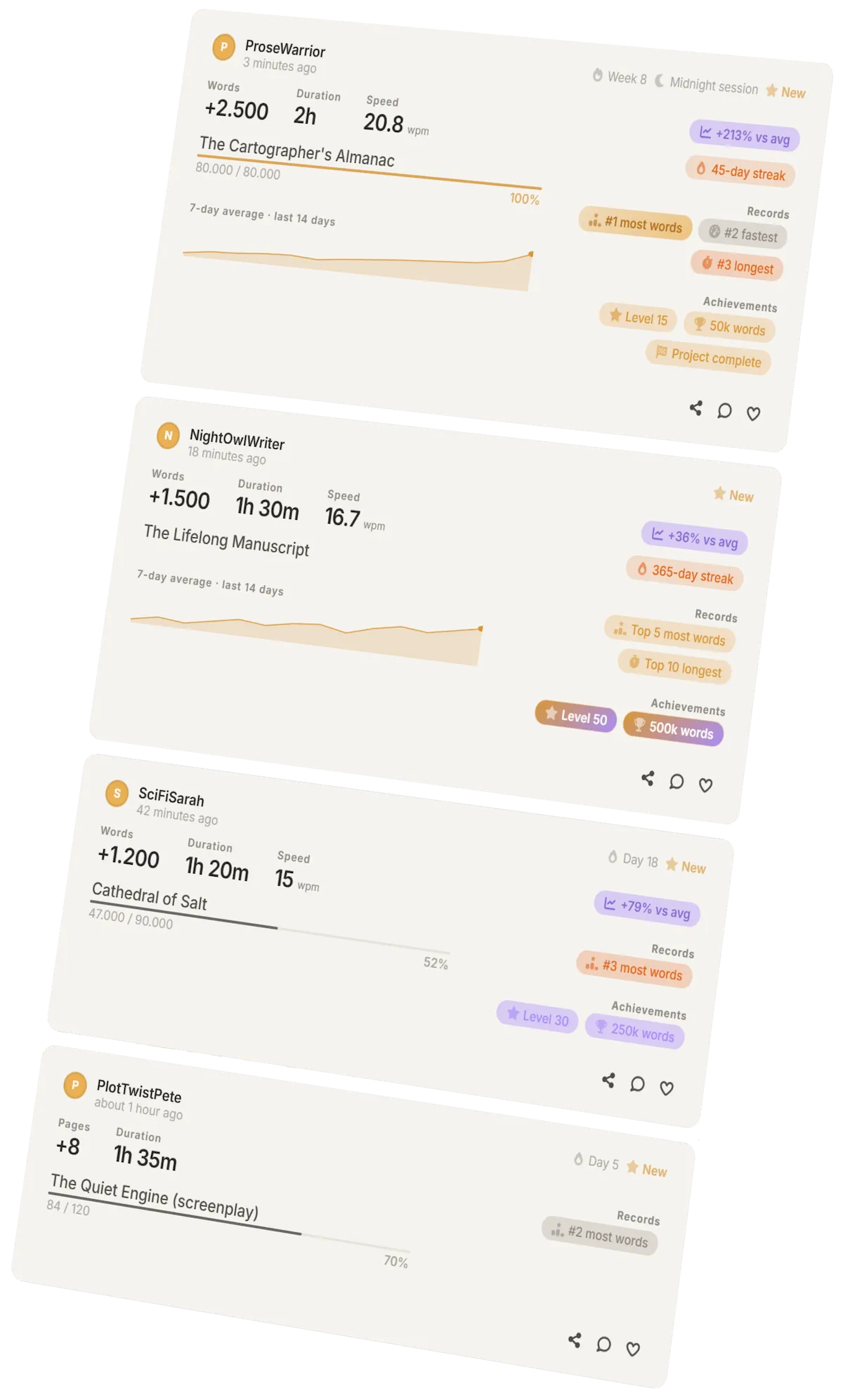
Writer Houses
What kind of writer are you?
Are you a consistent bear, or an inspired wolf? Take the five-minute quiz, and get sorted you into one of the four houses based on how you write. Get personalised guidance and see how your writing archetype evolves over time in the app, or take the quiz now with no account needed.
The Bear
You are consistent and disciplined, writing at nearly the same moments, showing up time and again.
The Fox
You always show up to write, but never in the same place. A little here, a little there.
The Stag
You're immovable in your habit. There aren't many days when you can write, but when you do, you show up.
The Wolf
You can go long stretches without writing, but when inspiration strikes, and everything gets written at once.

I wanted to visualise my writing progress. So I built the tool I wished existed.
I'm Adam, a solo indie developer based in Europe, and like you, a writer trying to finish the book I keep starting. I got tired of keeping track of my own spreadsheet, and dull tracker apps that treated my novel the same as a corporate to-do list.
Authorlytica rose from the ashes of NaNoWriMo, an organisation with a great community where writing and making progress was treated like a fun challenge. That's how Authorlytica treats your writing: a fun challenge to keep coming back to each time you sit down and add to that wordcount.
Your wordcount will explode into visualisations to motivate you to keep coming back to the habit, so that hopefully you will never give up on telling your story.
Adam Rendo, creator of Authorlytica
Reviews from writers
I love Authorlytica. Letterboxd for writing! Goodreads for craft! So much of the hard work of writing is invisible, and it's easy to lose momentum if you can't tell you're moving forward. Authorlytica, by showing you how far you've come, motivates you to keep going.
This app is a writer's dream come true. It's only in beta but it already does more than every other wordcount tracker I know. Please keep up the good work.
I don't find any fault in this app. The fact that a writer can track their progress real time and be accountable is just amazing!
I absolutely love it. It helps me stay productive.
I really love this app and how it motivates me to write more. I feel like it truly has everything I need, not only to write, but to enjoy the whole experience.
I love the Website. It keeps me motivated with its video-game-like levels and achievements.
Very fun app to use while writing! Helps me stay motivated!
I'm having a lot of fun using it, especially that I can not only track my stuff but also engage with my friends is really great!
I love everything about this website! It is super helpful and I would definitely recommend it!
I think the app is really great. This is exactly what I was looking for.
I really like the app.
Loving the app! Thank you!
I generally bounce off productivity tools quickly, because they're usually half-baked or feel stiff to integrate into my daily routine. This one, however, is sticking with me. Authorlytica is a suite of seemingly tiny writing-tracking and analysis tools, so effective at what each does that their impact isn't tiny at all for someone like me. After just one month of using it, I honestly cannot imagine not using it. The mood heatmap is honestly brilliant, that and the cumulative graph, naturally integrates discerning my behavioral patterns throughout working on my novel. And that's simply invaluable. The developer is indeed correct; it is a tool for writers, by a writer.
I still absolutely love this app!!
I love this app. It is so detailed, easy to move around, and easy to understand. It has lots of little fun messages; you can tell it is made by a guy who loves his job! 100% recommend.
App is great. As an amateur writer, it helps more than it shows at first.
It's a great tracking app, motivating and helpful. The friend feature is amazing, my friends invited me to use it so we can see who gets the most words in a week. It's really helped me write more.
It is a writer's dream, especially if you need to be consistent.
Incredibly motivating, insightful and competitive with friends!
Absolutely amazing tool to keep oneself motivated.
It's Goodreads but for writing!
Pricing
Free to start. Premium to go deeper.
Free gets you tracking, streaks, charts, and full Rewinds across three active projects. Premium adds a dynamic project planner, deeper analytics, and tools for writers who want more.
Free
$0/forever
Everything you need to finish your project.
- 3 active projects
- Unlimited writing sessions
- Track words, pages, or lines
- Write with friends
- Visualisations, graphs, analytics
- Streaks, achievements, and PRs
- Authorlytica Rewind summary
- Up to 30 days analytics window
- Basic project planner
- Author profile
- Editing project tracking
- Writing timer
- 10 custom themes
- Full data export
- No ads, ever
No credit card required, no time limit.
Premium
$12/month
Billed $12 every month.
Everything in Free, plus:
- Up to 30 active projects
- Months, years, and all-time analytics
- Custom date ranges
- Writing speed tracking
- Optimal writing moments analysis
- Streak history
- Data pattern explorer
- Long-term trends
- Project comparisons
- Dynamic project planner
- Project folders
- Watermark-free exports
- 4 Premium themes
- Priority support
7-day free trial available
Lifetime
$200
Less than 17 months of Premium.
Everything in Premium, and:
- Own it forever
- No subscription
- Debit options available
Available in-app.
Your writing isn't stored or shared · Cancel anytime · Export all your data · See the full comparison
Plus 12 free writing tools.
Counters, analyzers, calculators. No signup, no upload. Run in your browser alongside whatever writing app you already use.
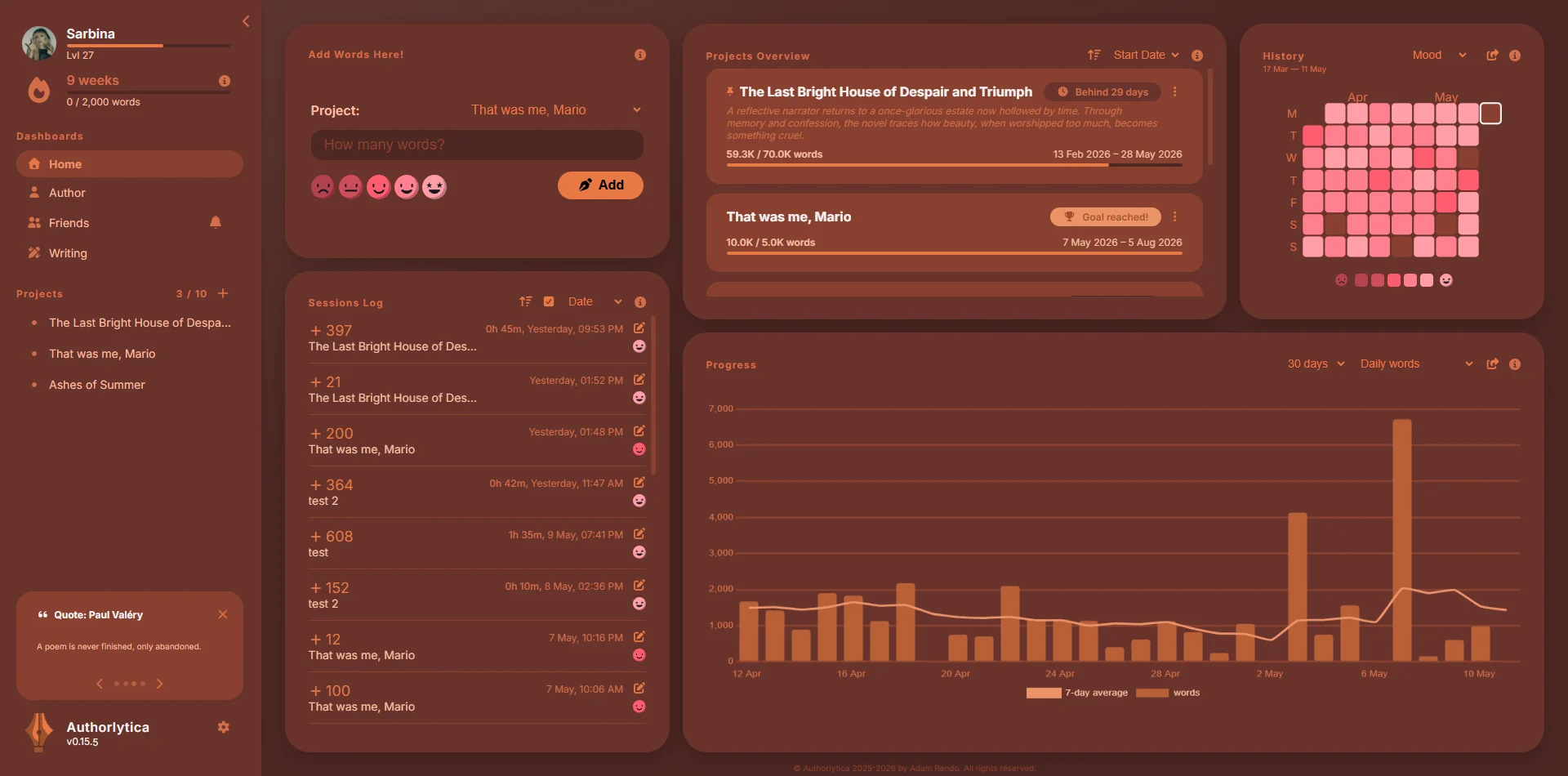
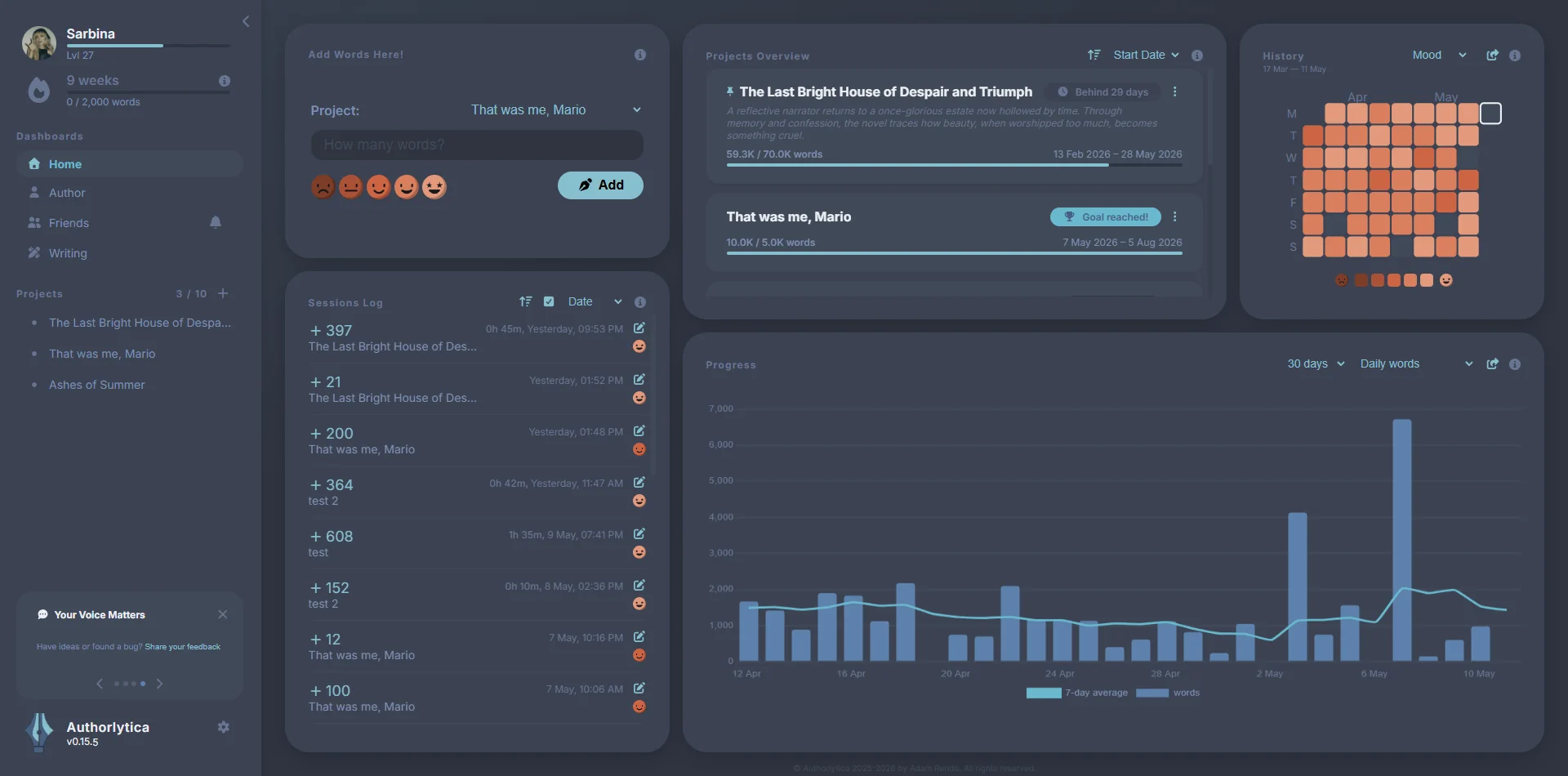
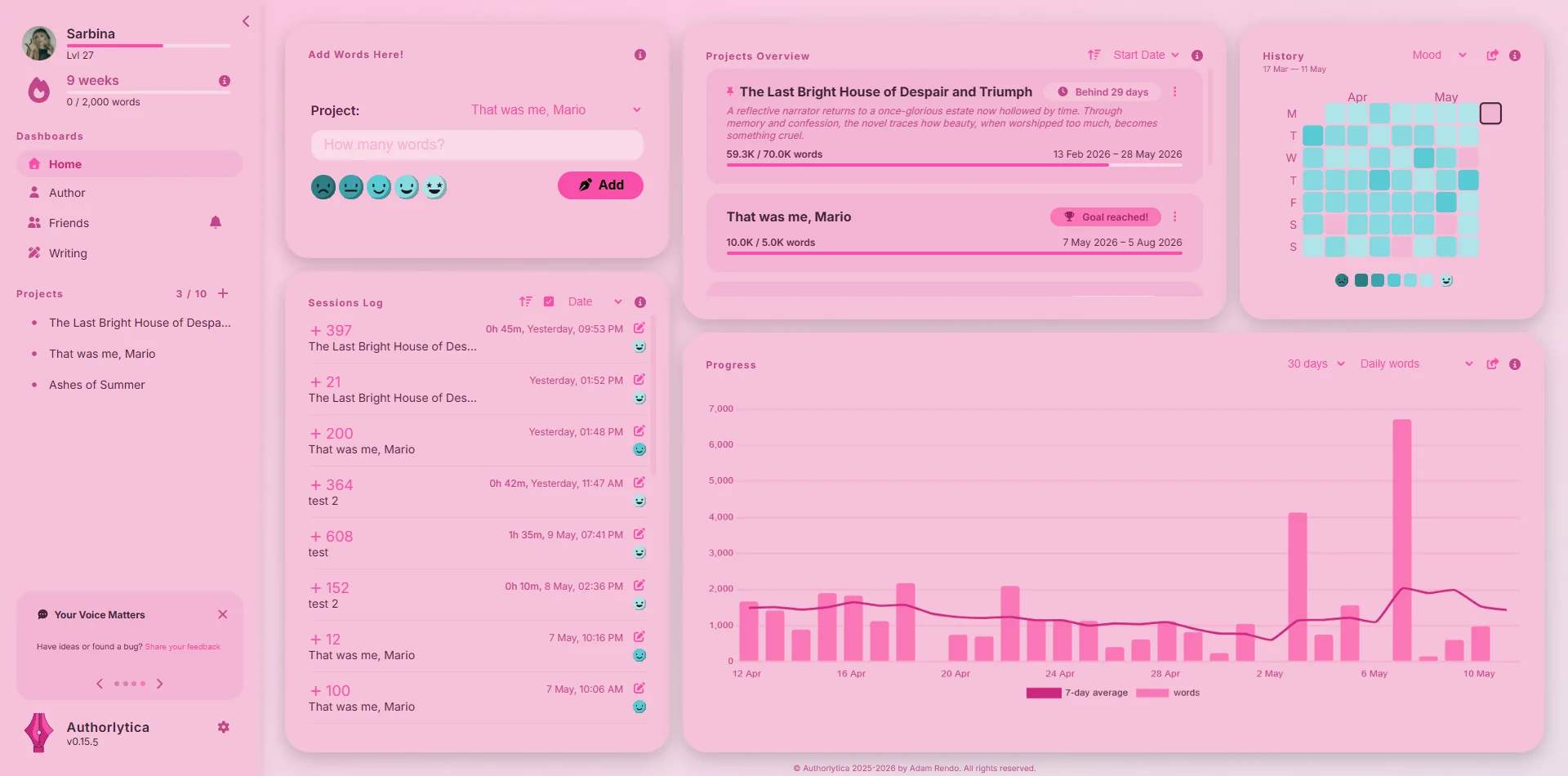
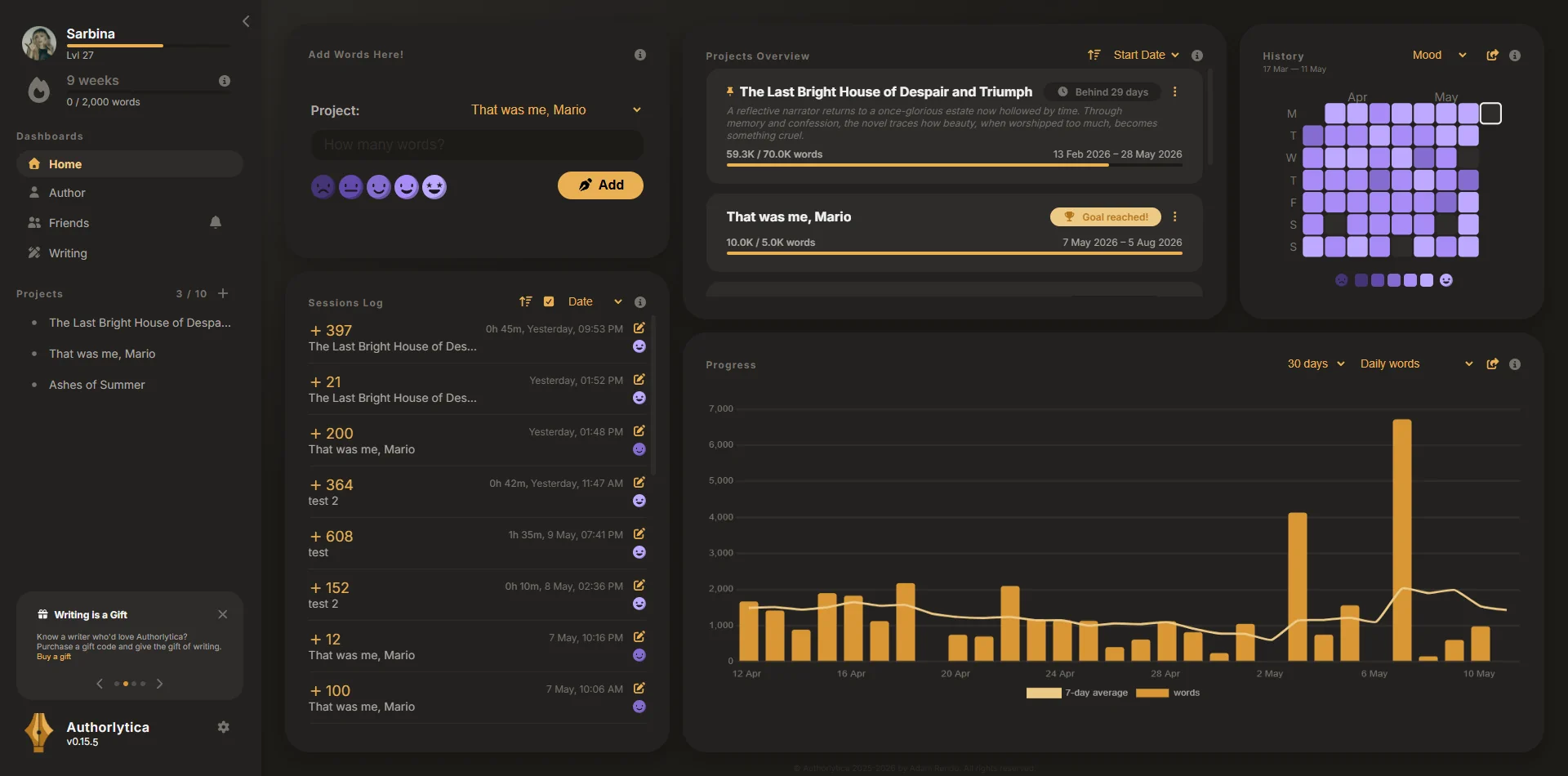
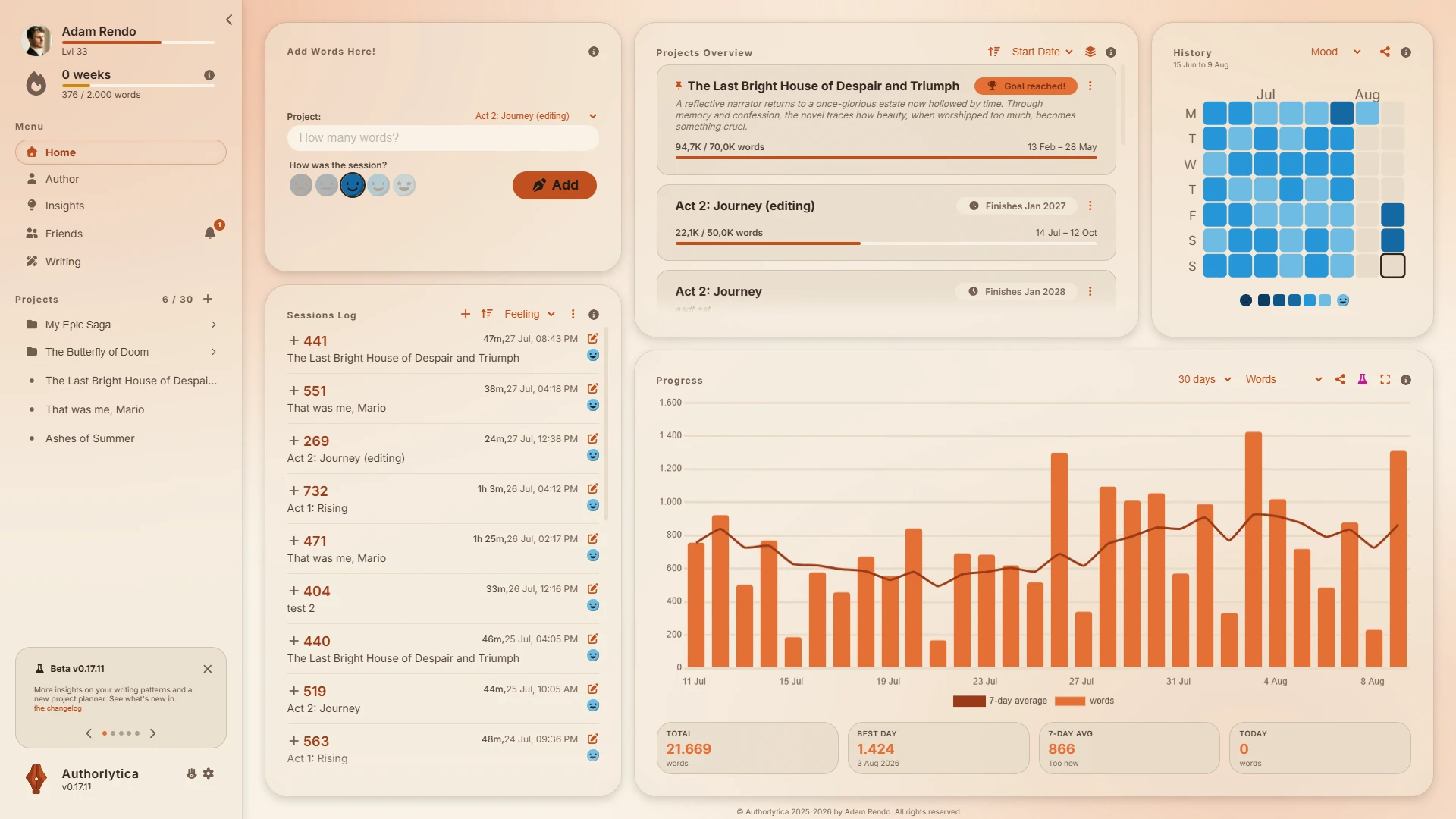
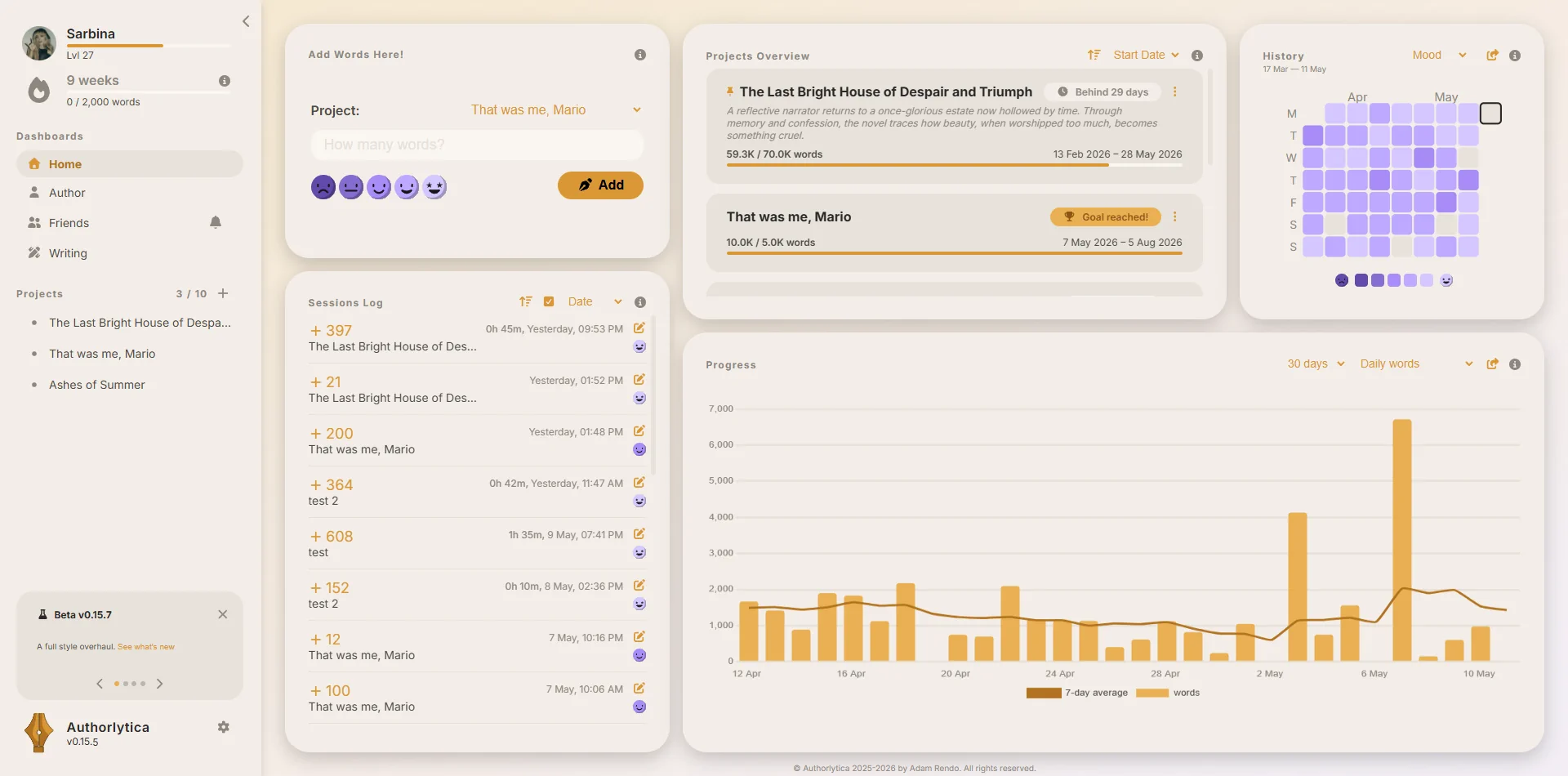
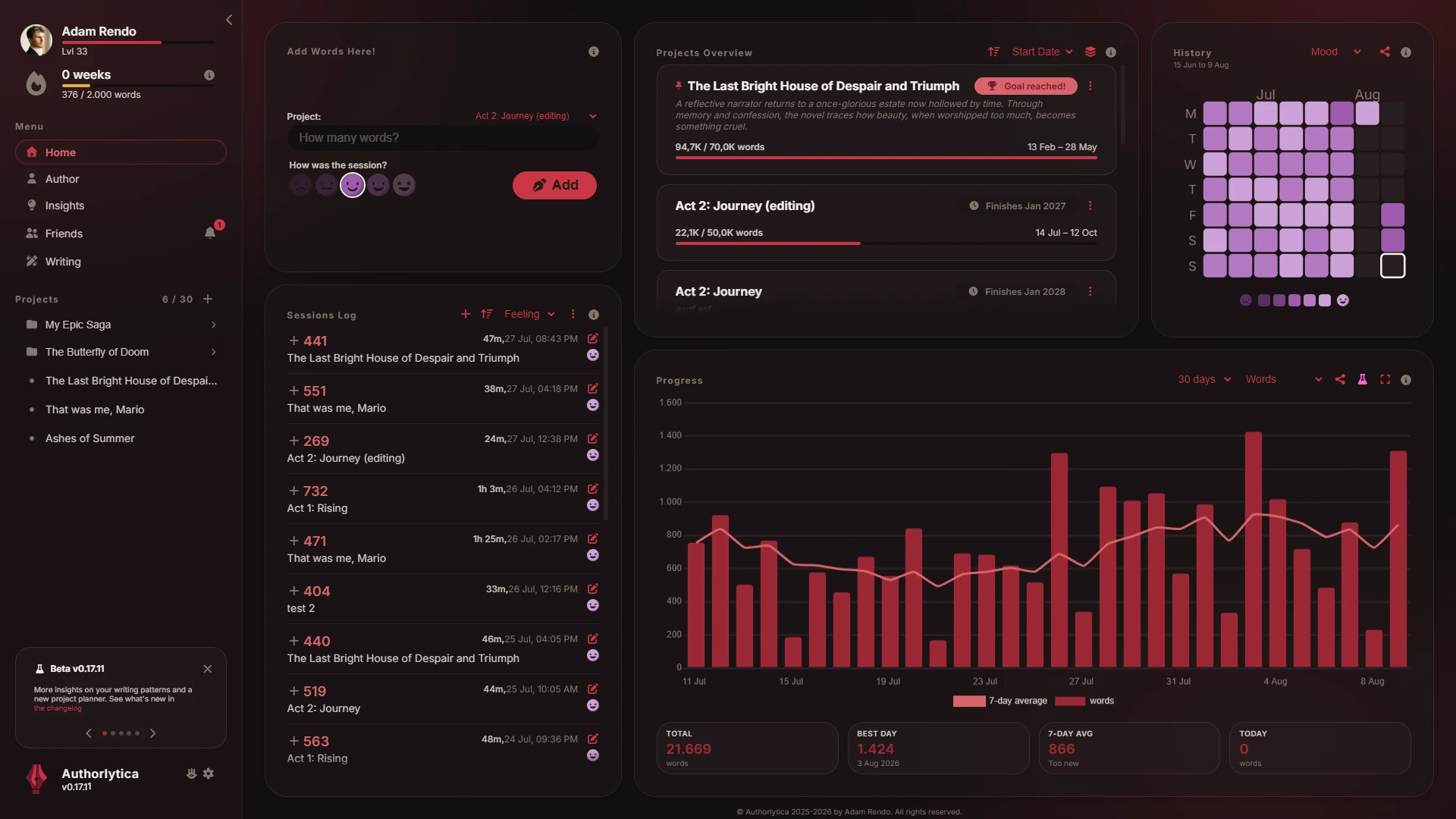
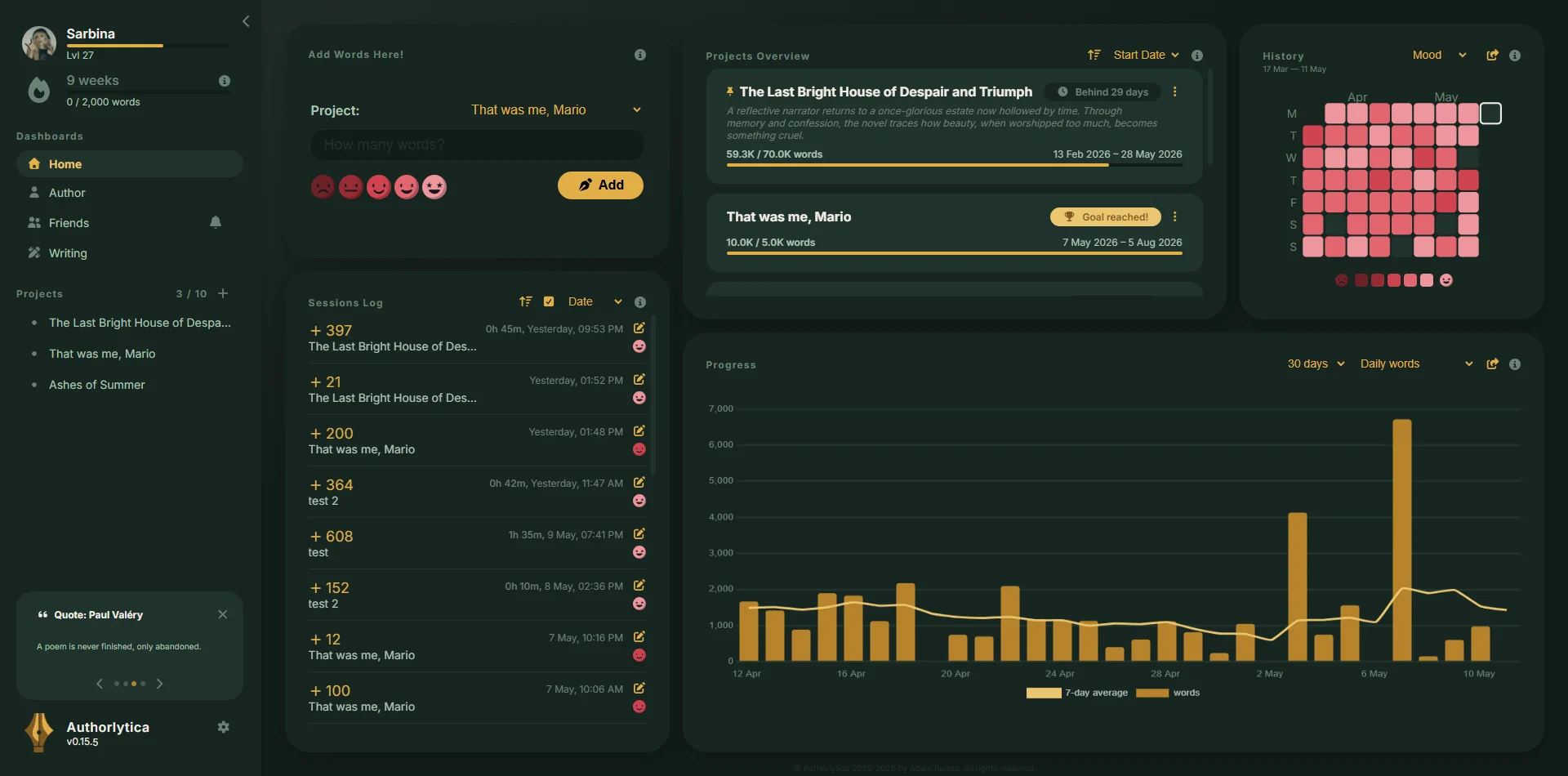
Curated themes
Perfect if you’re writing a
Style your app to match your vibe! With a wide array of hand-crafted themes to fit your mood or manuscript.
Questions writers ask before signing up.
Yes. The free version gives you three active projects, unlimited tracking, charts, streaks, and all Authorlytica Rewinds. The free version has all features necessary to help you finish your writing project.
Premium exists for writers who simply love the app, who need more projects, and who want to understand themselves deeper as authors.
No. Authorlytica is web-based. Log in from any browser, on any device. Your data syncs in real time to every device you use.
Authorlytica doesn't store the prose you're writing. We only track numbers: word counts, session times, moods, goals. Anything else is what you choose to type in, like project titles or notes.
Your data powers your own charts and stats. We also use anonymized, aggregated data across all users to improve the app and publish general writing trends, never anything identifiable.
You can delete your data at any time from the settings page. Read the full privacy policy for details.
Yes, anytime. One click on "Export all data" in your settings downloads one complete file with everything you've logged: projects, sessions, settings, achievements, and your profile. A second button gives you all your sessions in sheet format (CSV), ready to open in Excel, Numbers, or Google Sheets.
Both are free for every user, on every plan. No email request, no waiting, no premium gate. If Authorlytica is ever no longer the right tool for you, you leave with your full writing history.
Authorlytica tracks your writing rhythms, not your actual writing. Use any text editor or writing tool for your project, and just take a few seconds at the end to log your progress. The app also has its own word-counter for your convenience.
Yes, of course. It's great that you're already tracking your writing. If you have your data in sheet format (CSV) you can import it directly into the app. Alternatively, you can start a project in Authorlytica with a base wordcount to represent your out-of-app progress.
Absolutely. I miss NaNoWriMo as well. It used to be so much fun.
You could see this app as a spiritual successor to NaNoWriMo, expanded, updated for the modern day, open to all, and ready to support writers all-year round.
Yes. Authorlytica works for any long-form writing project regardless of genre or format. Create a project for your thesis, set a daily word goal, and track your sessions the same way a novelist would.
The streak system, pace projections, and progress charts are just as useful for academic writing as for fiction. Many academic writers find that tracking daily output makes a daunting multi-year project feel manageable.
Track on the go!
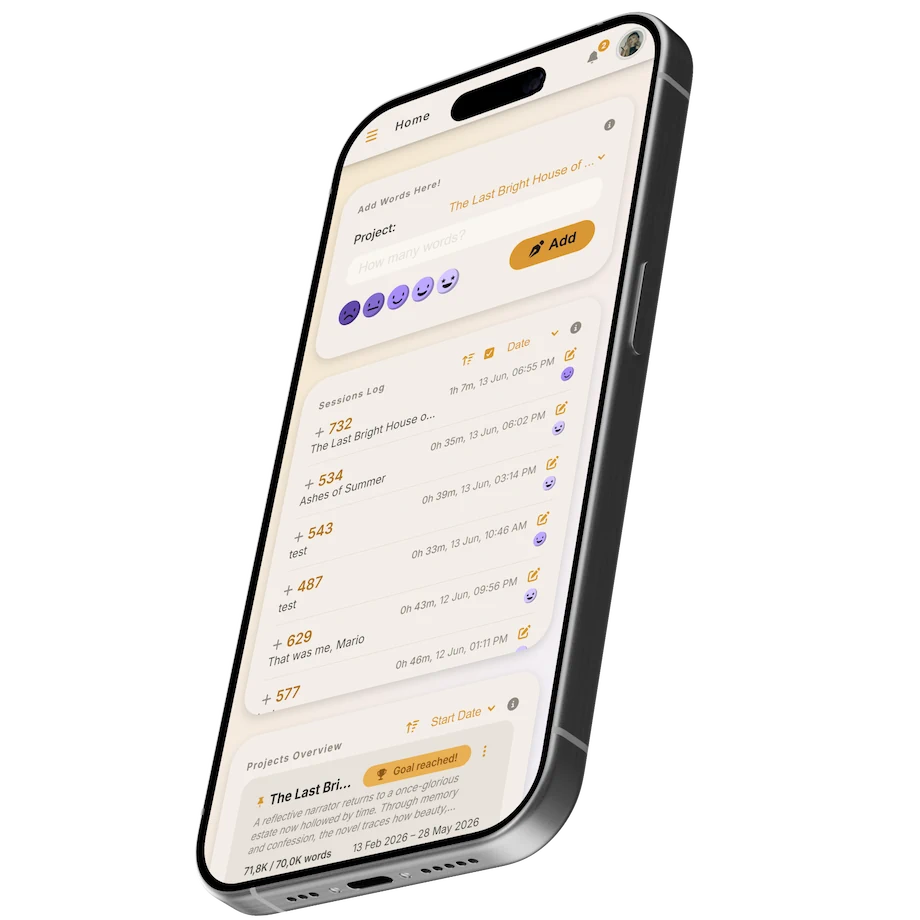
Hopefully you are not writing your book on a phone, but you can certainly track your progress on one. Alongside the desktop version, Authorlytica is optimized for mobile so you can log sessions on the go.
No app to install, no store, nothing to update. That is the whole point. A tracker only works if it is not a chore, and being available on any device helps the habit stick.
Start small. The streak begins with one session.
You don't need to write a novel today. Open the app, log a paragraph, and Authorlytica starts tracking. Tomorrow, log another. That is how it works.
Log my first session